
RIGHTBOOTH - TRAINING VIDEOS
More videos available on the RightBooth YouTube Channel
Basic
An Introduction to RightBooth
Note: In the latest version of RightBooth the Video, Audio, Photo and DSLR settings discussed in this video are found in the RightBooth Settings section: 'Cameras' |
How to Change the User Interface Theme
Using the Formatter Tool
|
Screen Editor enhancements
Add symbols on event screens
|
Intermediate
Creating Photo Print Layouts
Create an interactive seat locator
Run Microsoft Store apps from your events
Using the 'Print copies' features
Using a Watch Folder event (Hot folder)
Using Screen Animations
Use RightBooth on an iPad with spacedesk
Set up a basic video recording event to use with a 360 spinner booth
Using the Multicast feature to show event screens on other monitors
Process photos arriving in a DropBox folder
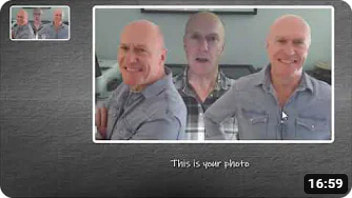
Merge 3 photos of the same person into 1 photo
|
Capturing Portrait Videos and Photos
Introduction to Sequence Items

Add interactive games to your events
Using the 'Maximum Print Count' features
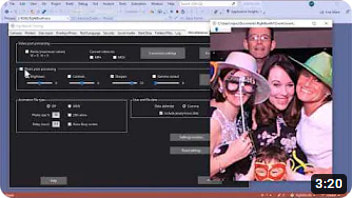
Photo post-processing features
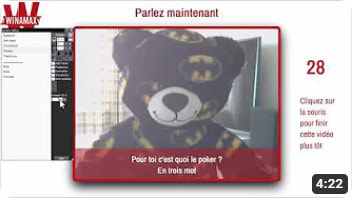
Saving Text Questions into Video Answer Recordings
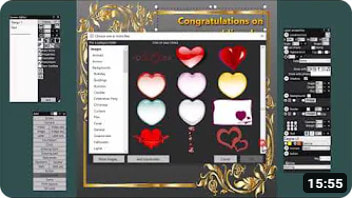
Use RightBooth as a Graphic Design Package
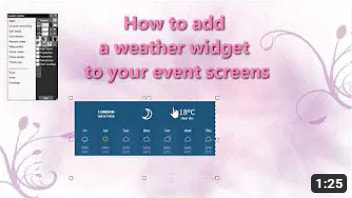
Add a weather widget to your event screens
Force users to watch a video before recording their own
Using the Crop property to combine photos on the Print layout screen
How to crop and align photos in a print layout template
|
How to take 3 photos and let the user choose which one to print
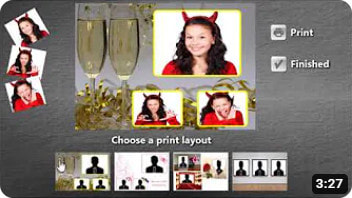
How to Let Users Choose a Photo Print Layout
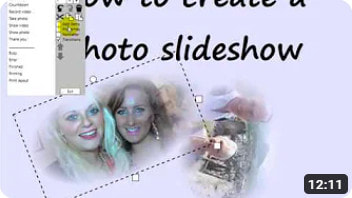
Creating a Photo Slideshow
Play a Slideshow on a second monitor
Using Voice Commands to control RightBooth
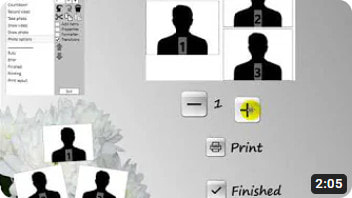
Photo print more or less copies
Using the Drawing Tools
Using Video Animations
Resizing the event window.
The Keyboard hook Using different countdown styles
How to take the correct number of photos for any chosen print layout
|
Advanced
Using RightBooth Face Props
Controlling one or more USB HID relay boards
Using QR codes to Obtain Media from your FTP site
Play 2 RightBooth events on the same computer
RightBooth, a Surface Pro 4 Tablet and 2 Touchscreens on an extended desktop
Create your own Media Server to use in RightBooth
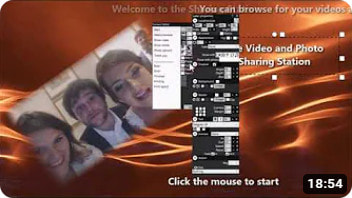
How to create a RightBooth Sharing Station
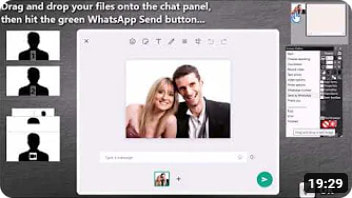
How to upload videos and photos to WhatsApp
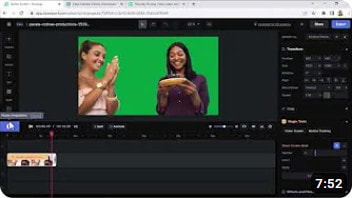
How to add AI Photo Effects and background removal
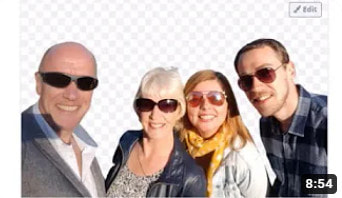
AI background removal from your photos using remove.bg
|
|
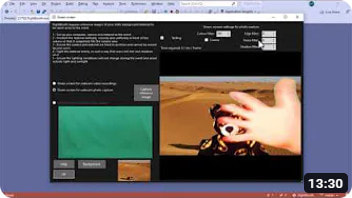
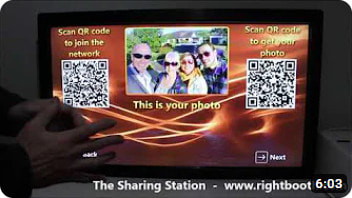
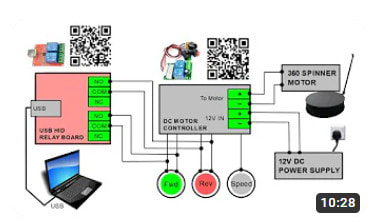
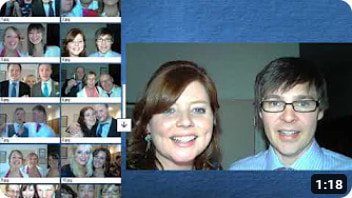
Photo Face Swap
|
Set up and use Photo Face Swap
|
Using Photo Face Swap Pairs
|
Social Media - Emailing and Send to Phone Features
Social Media Features - Part 1
|
Social Media Features - Part 2
|
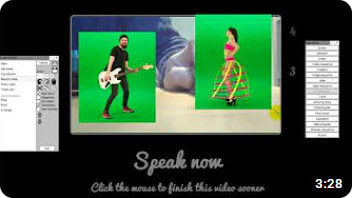
Adding Video Material onto RightBooth Photo captures and Video recordings
Augmented reality demonstration
|
|
New features in specific releases
|
New features in version 7.7.33
New features in version 7.14.0
|
New features in version 7.9.12
|
New features in version 7.12.0
|