|
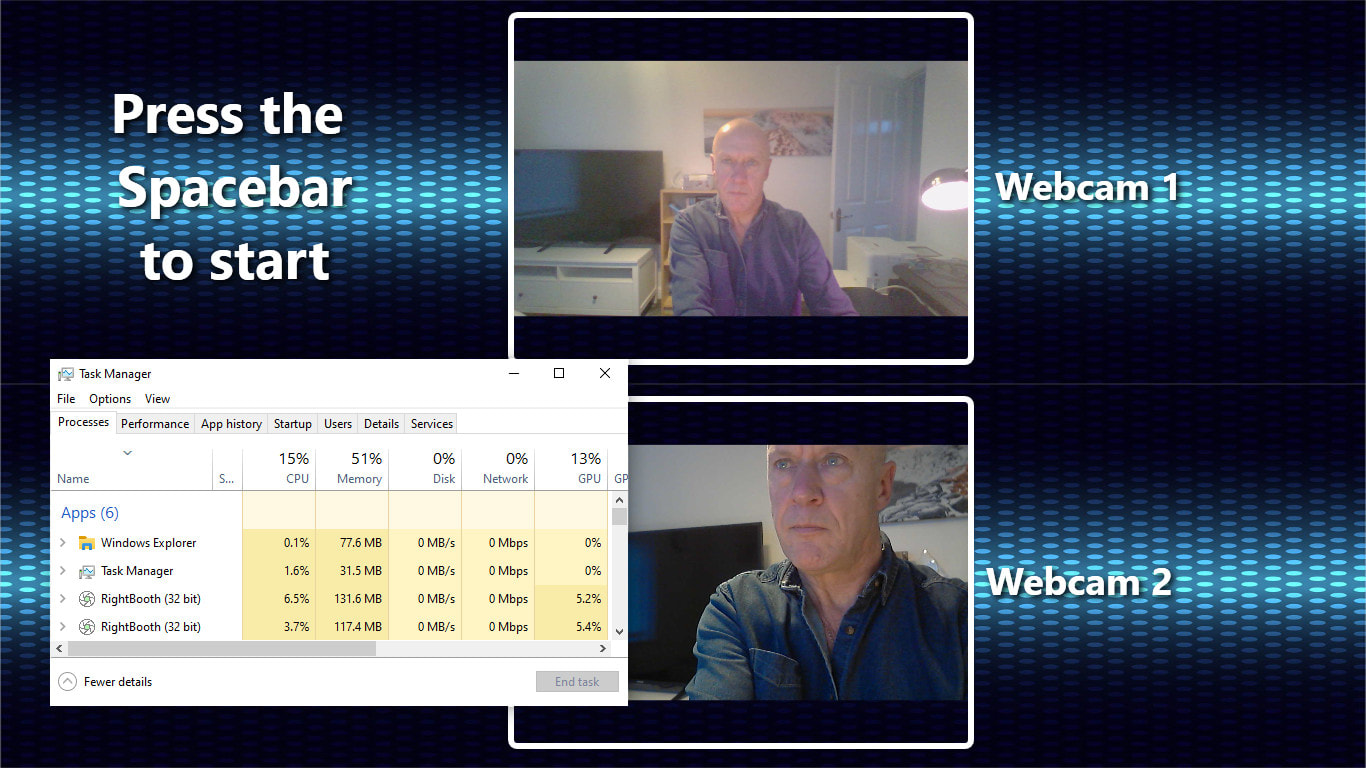
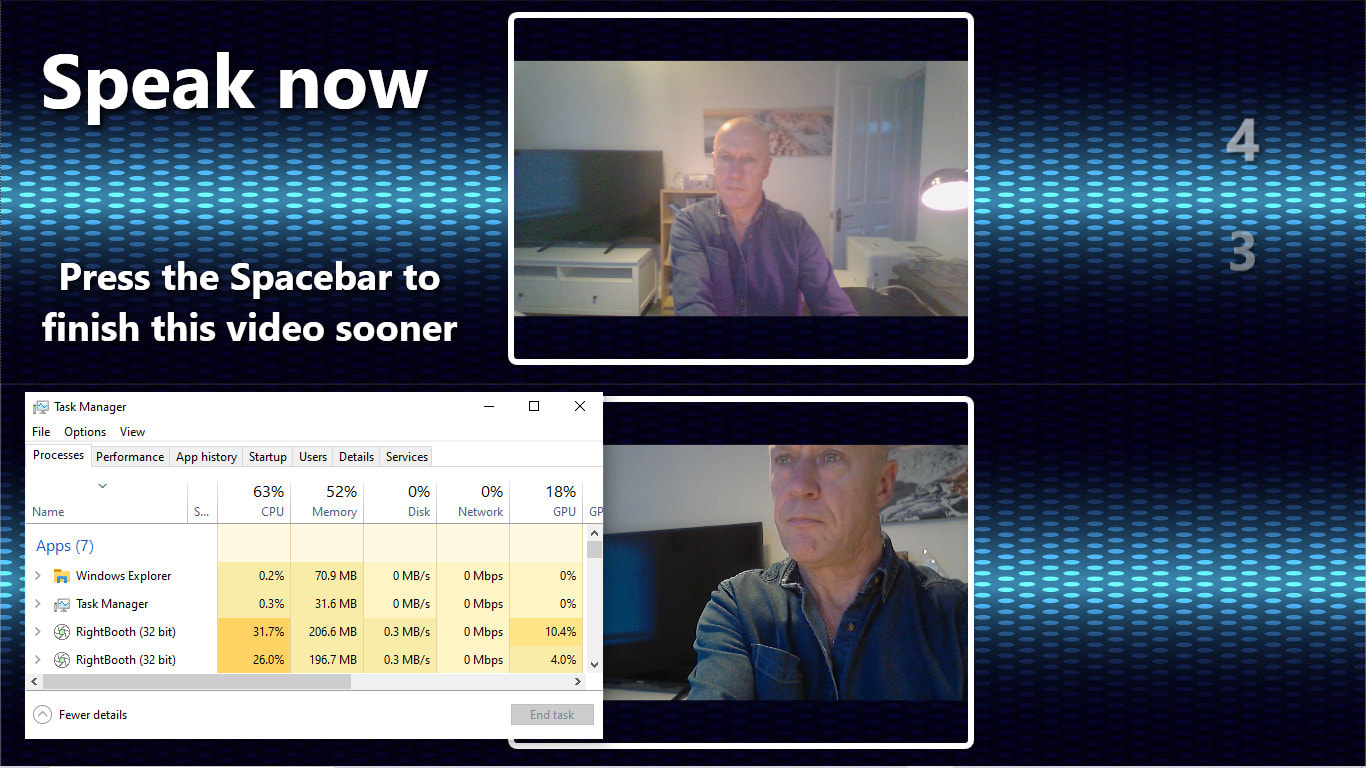
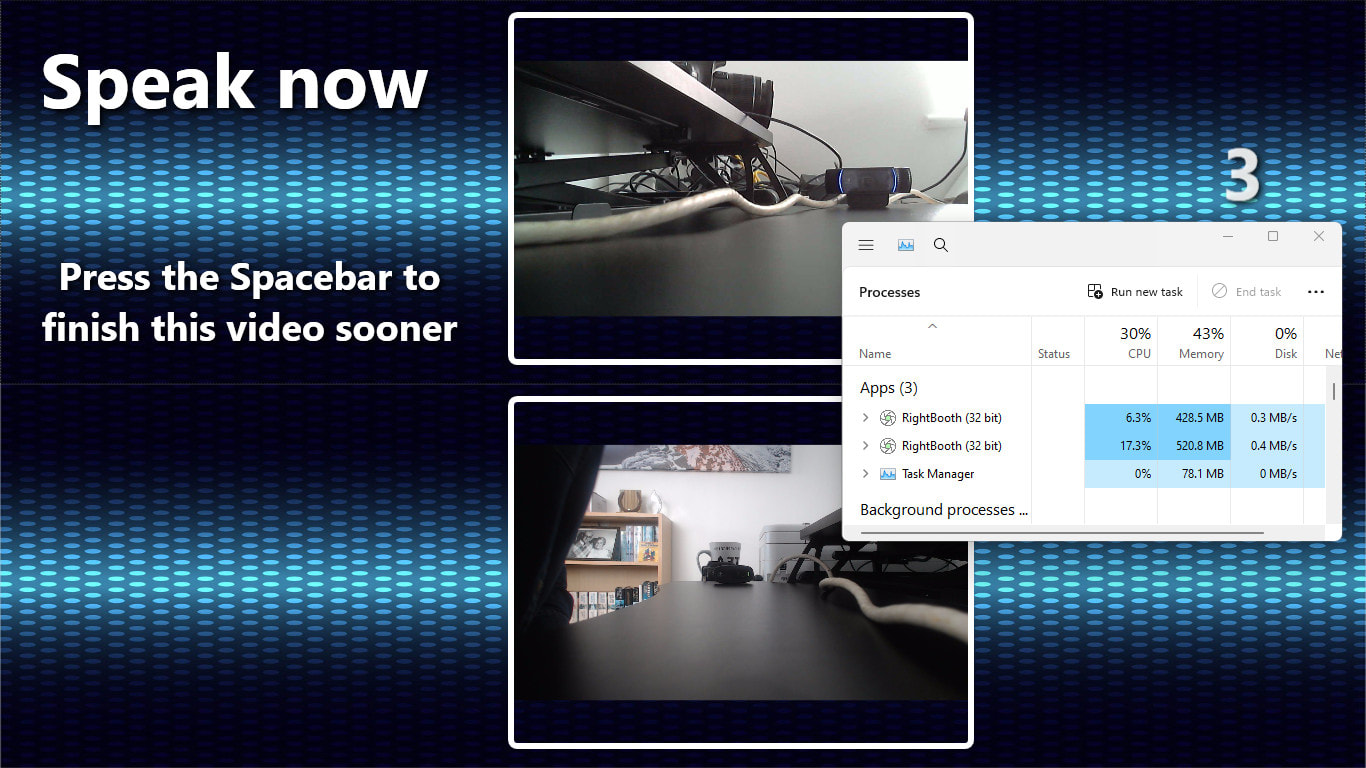
Update: April 2026 Starting at RightBooth version 7.34.0, if you plan to run more than 3 instances of RightBooth on the same computer, consider purchasing a Multiple Instance Product code. A 'Multi' code allows you to run up to 6 instances of RightBooth using one Multi code. This is a cheaper option than purchasing individual product codes. See the Buy page for purchase information. Video, demonstrating using 2 instances of RightBooth to record 2 videos at the same time: Here is the specification of the equipment I used to record this video: HP Envy Laptop 17-ae1xx, i7-8550U, CPU @ 1.8Ghz, 250Gb SSD, NVIDIA GeForce MX150, (4 years old), Win 10 Home, Webcam 1 integrated in the laptop, Webcam 2 Logitech C270 connected to a spare USB 3 port. The video demo was recorded with both webcams set at 640x480x25fps. In terms of memory and CPU usage, here are some results when the webcams are both set to record videos at 1280x720x25fps. Resource usage when both RightBooth instances are sat idle: Resource usage when both RightBooth instances are recording videos: Another example using the following newer computer: hp laptop: Model: ENVY 17-cw0xxx. CPU: i7-13700H, 2.4Ghz, 16Gb RAM, 500Mb SSD HD. Windows 11. Using webcams: Logitech C920 and Logitech C270. Recording videos at 1920 x 1080 x 25fps and 1280 x 720 x 25 fps respectively. In this test you can see that there is a much reduced CPU and memory usage. There is also an improved recording capability, which goes to show that newer is better...
0 Comments
Your comment will be posted after it is approved.
Leave a Reply. |
AuthorNigel Pearce Archives
April 2026
|
RSS Feed